Money coming in
Review revenue, collections, and cash or account activity. Find the payments behind the school’s income.
Explore fees & billingTrack income, review expenses, and follow payments in one place. Give your team the records they need to make informed decisions.
Request a demo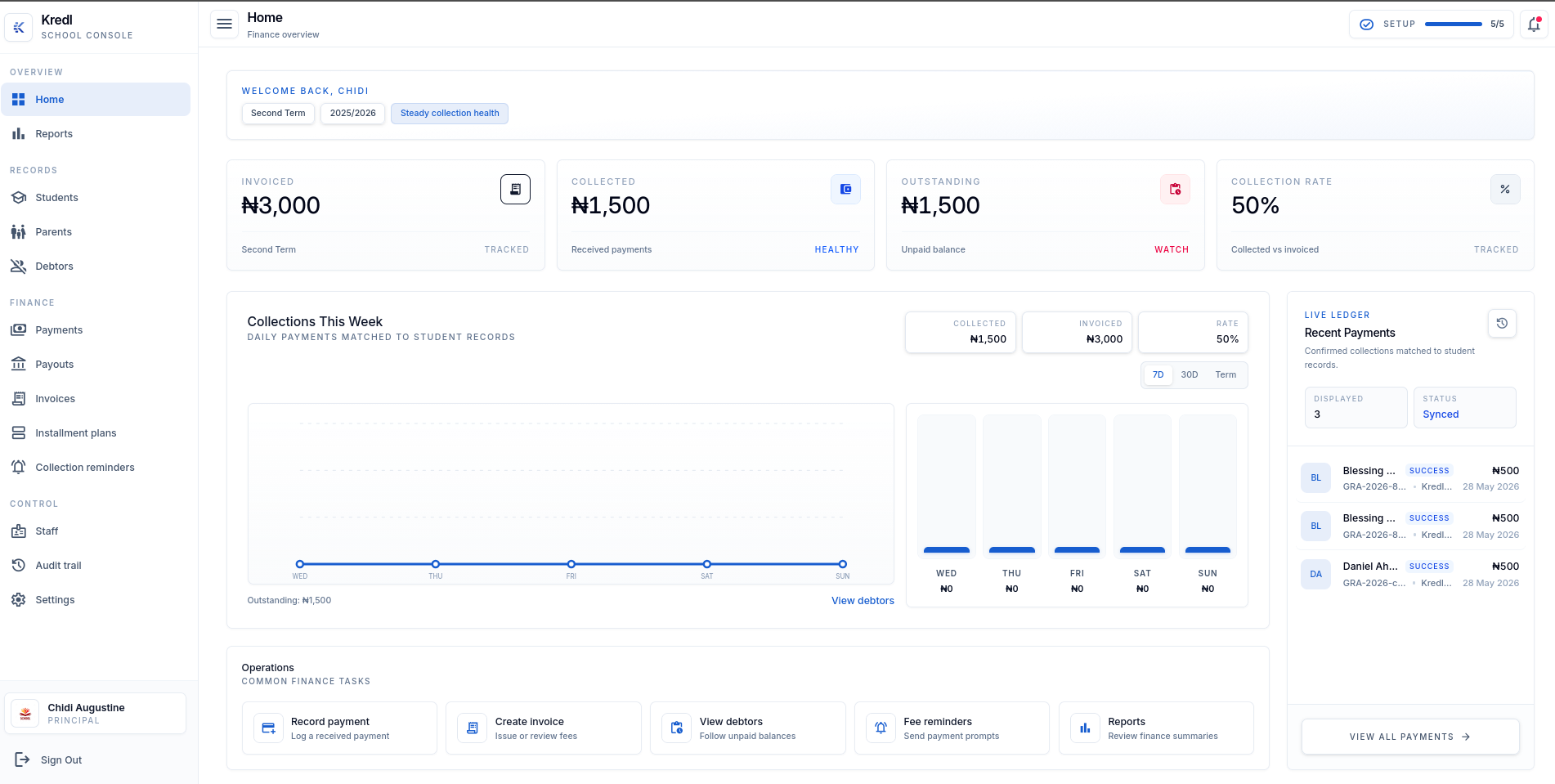
When the head of school asks for an update, have the income and spending records close to hand.
Review revenue, collections, and cash or account activity. Find the payments behind the school’s income.
Explore fees & billingReview expenses, follow approvals, and check payments. Keep the payout record ready for the next question.
See the expense flowScale your team by automating routine work
and get time back to focus on strategic work.
Keep the expense ready for review, follow its approval, and check the payment when it’s made. Your team has a record to return to when someone asks.
Keep expense records available to the staff responsible for reviewing school spending.
Use expense approvals to review spending before moving on to payment.
Review expense payments and the payout ledger when the school needs to check where money went.
Review income and expenses, check the payment records,
and bring the details to your next finance meeting.
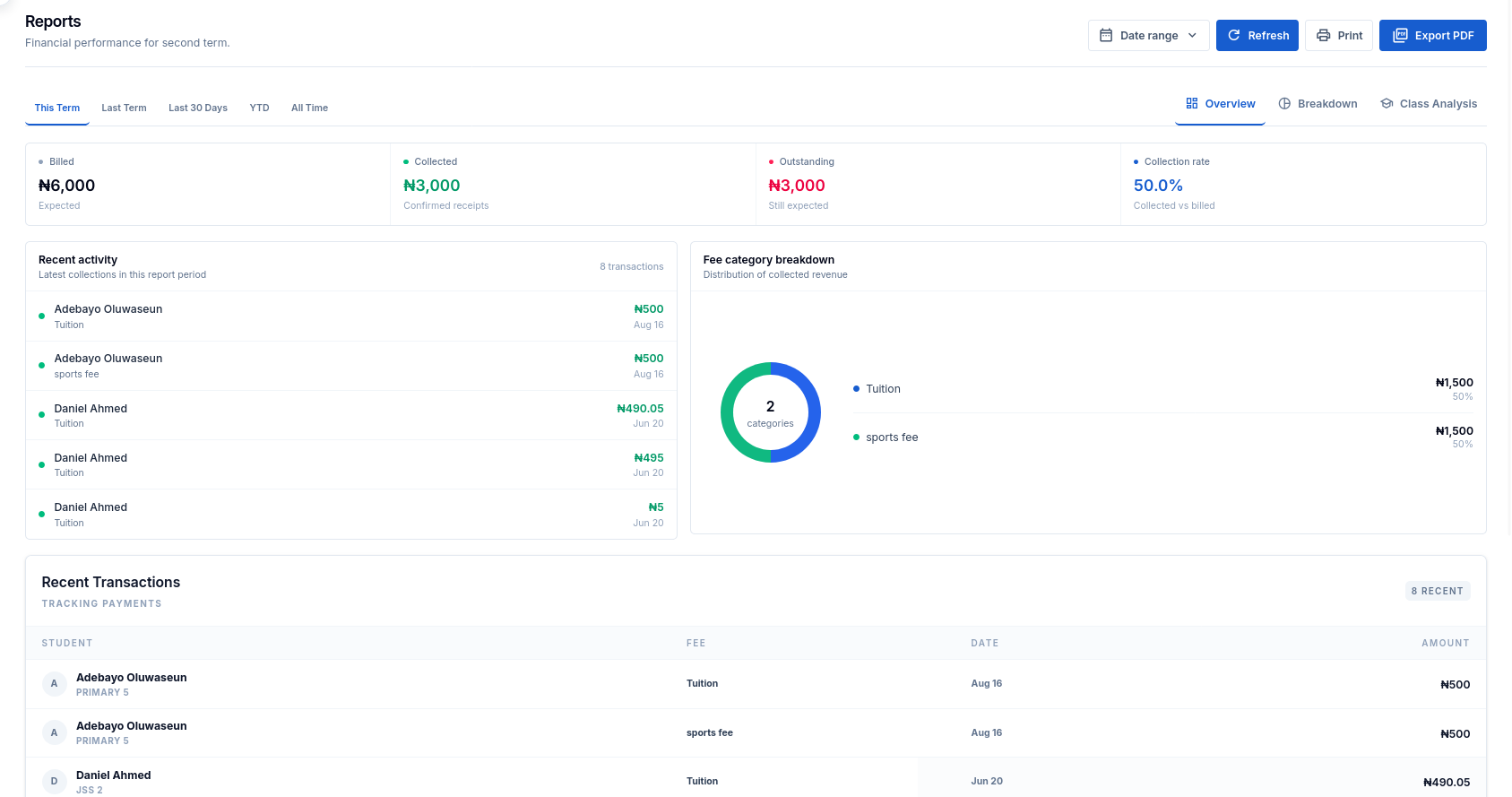
Review collections and revenue alongside your expense records, so you can explain where school money comes from and where it goes.
Use expense views to review spending, then check the records when a payment needs a closer look.
Prepare statements and export reports for school management, with the details available when questions come up.
Use staff access controls and the audit trail to review activity in your school workspace.
Yes. The school workspace includes revenue and expense views, alongside cash and account activity.
Yes. Kredl includes expense approvals and payments so your team can review spending and follow the payment record.
The payout ledger keeps your school’s payout records available for review.
Yes. Use the school’s reports, statements, and exports when preparing financial updates for management.