Find the right debtors
See parents and students with real outstanding balances, not stale spreadsheet totals.
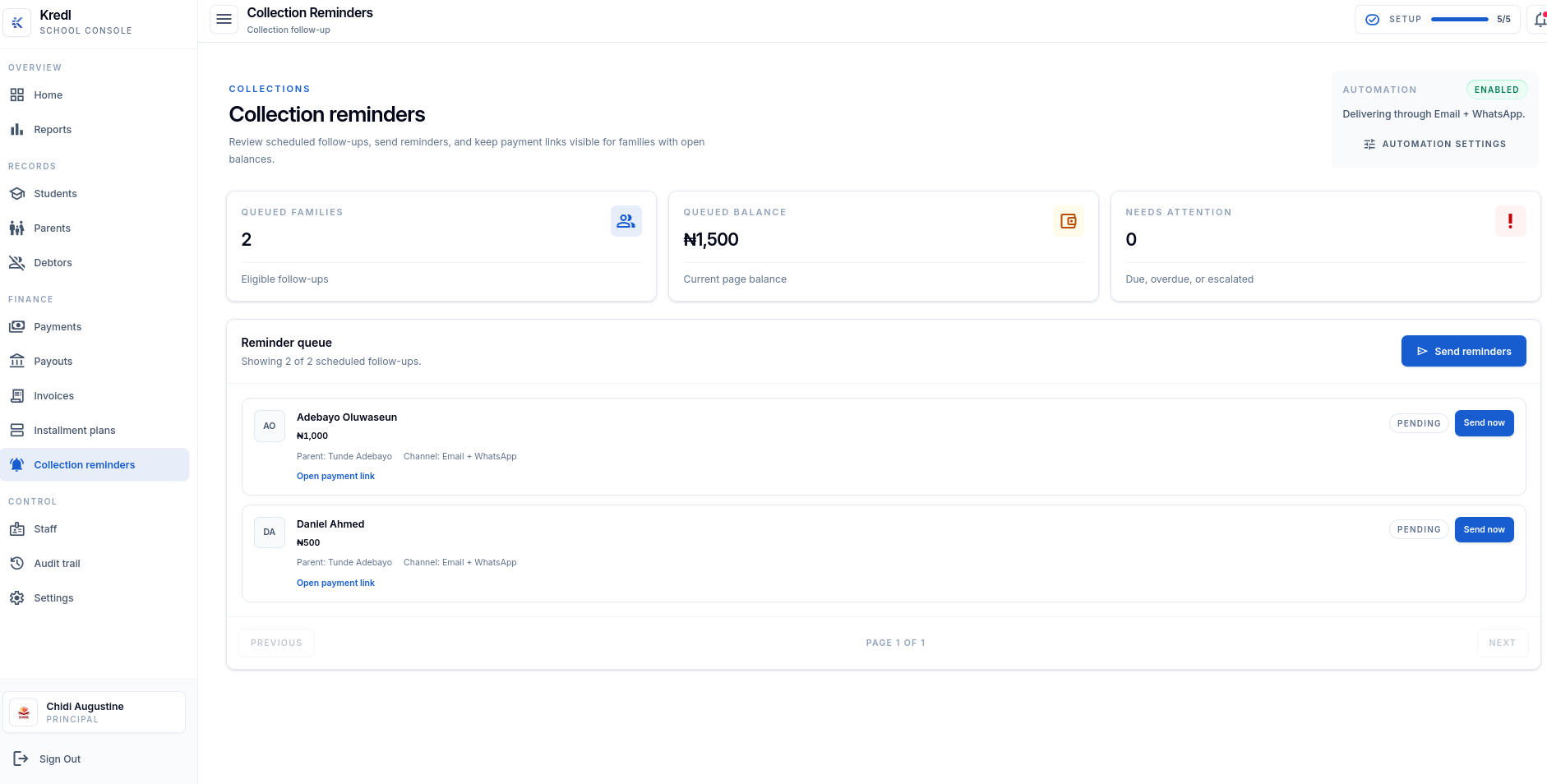
Kredl identifies unpaid invoices, sends parent reminders by email and WhatsApp, retries failed messages, escalates overdue balances, and keeps every action tied to the student ledger.
Reminder channels
Gmail + WhatsApp ready
See parents and students with real outstanding balances, not stale spreadsheet totals.
Send the same payment context through email and WhatsApp with a secure payment link.
Move overdue balances through clear stages while preserving every action for review.
Tracking outstanding balances
Sending parent reminders
Managing installment due dates
Preparing collection records
Kredl checks invoice and student fee balances, then surfaces parents with real outstanding amounts.
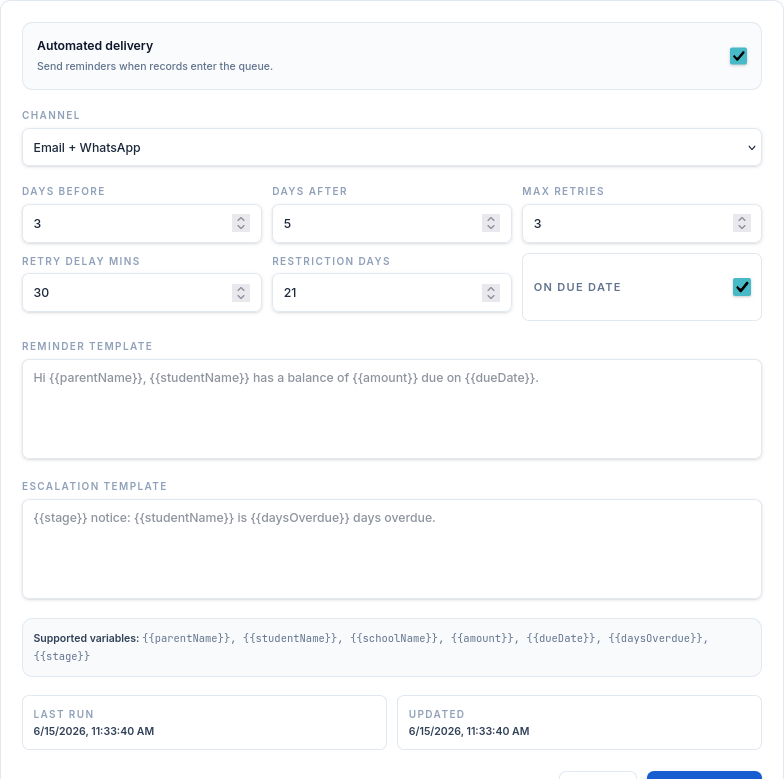
Reach parents before due date, on due date, and after due date through Gmail-style email and WhatsApp messages.
Failed campaign recipients are retried automatically with attempt counts, error states, and next retry time.
Overdue invoices and installments move through soft reminder, warning notice, escalation, and restriction flag stages.
Finance teams can resolve, dismiss, or reopen collection events while keeping the record tied to the ledger.
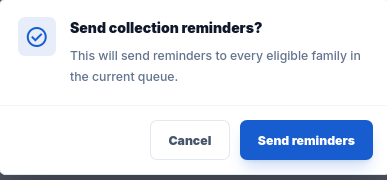
Kredl sends the same payment context through email and WhatsApp: student name, school, amount due, due date, and a secure payment link.
Structured fee reminder emails with the amount due, due date, school name, and payment link.
Short parent-friendly messages with the same payment link for faster follow-up.
3 days
before due date
Due date
same-day nudge
5 days
after due date
3 retries
30 min delay
Failed reminder recipients stay visible with attempt count, error message, and next retry time.
Every escalation is recorded with the parent, student, invoice, amount, stage, channel, status, and payment link.
1-7 days overdue
8-14 days overdue
15-21 days overdue
21+ days overdue
Parents/students with unpaid fees
Total balance still unpaid
Balance past due date
Progress against expected fees