Amara Okafor₦45,000KDL 0248
Keep the payment details together.
Find the student, reference, and amounts alongside the payment record, ready for your team to check.
Compare expected and received amounts. Find matched payments and see which records need your team’s attention.
Request a demo See how reconciliation works for your school.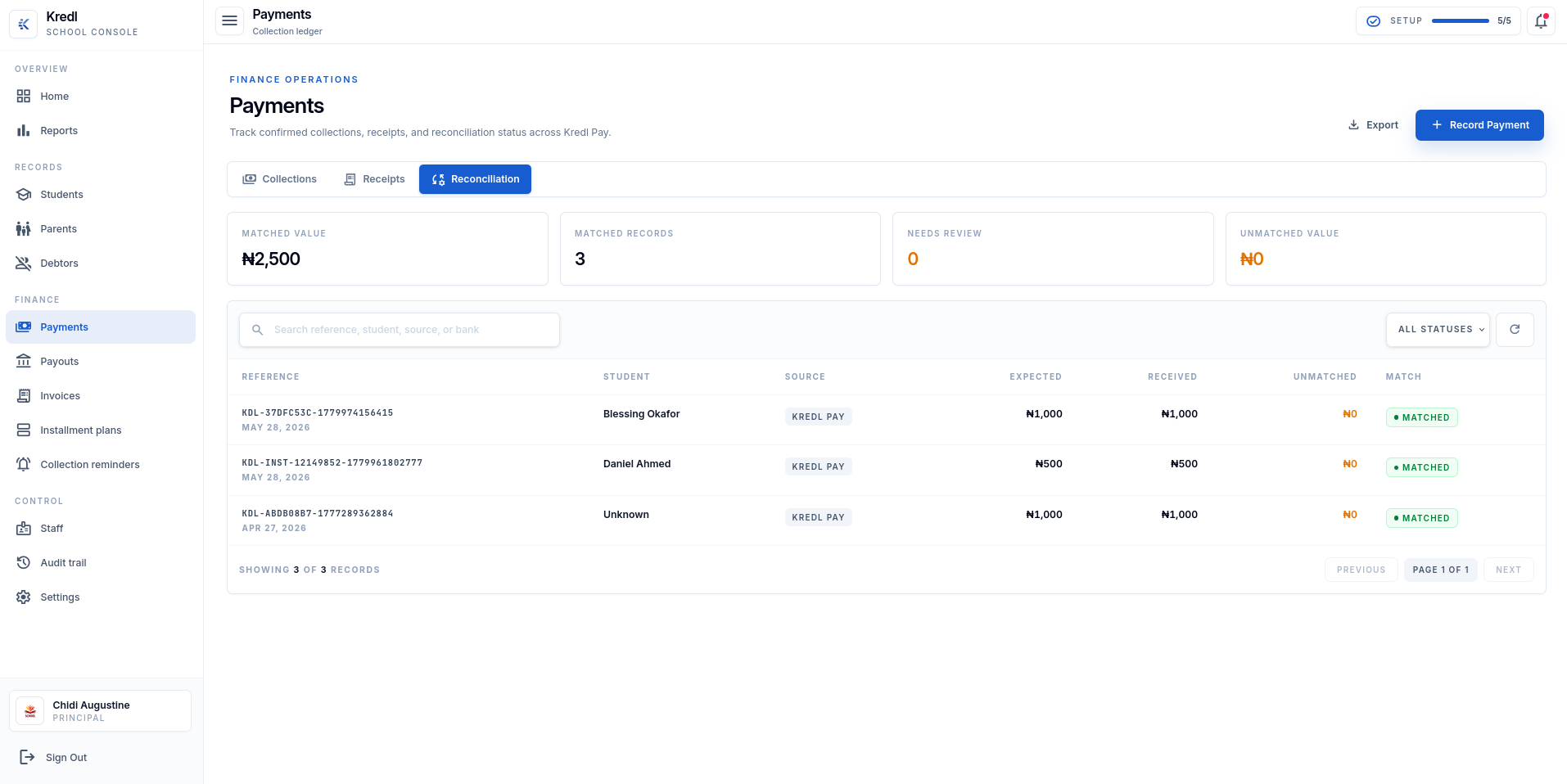
See what matches. Compare expected and received amounts in one view.
Find what needs review. Search payment records and filter by status.
Keep the record close. Collections, receipts, and reconciliation in one workspace.
Compare expected and received amounts, check unmatched payments, and find the student or reference you need.
Find the student, reference, and amounts alongside the payment record, ready for your team to check.
 Payment reconciliation
Compare expected and received amounts, then check the matching status in your reconciliation view.
Filter by status to find records that need review, then use the reference or student name to follow up.
Start with the payment, follow its record, and find the receipt. Your team can pick up the conversation with the facts in front of them.
Search by reference or student, then use the status filter to narrow the records.
Compare what was expected with what arrived. See which records still need review.
Keep collections, receipts, and reconciliation within reach in the Payments workspace.
Review matched records, expected and received amounts, unmatched value, and payments that need review.
Yes. Search the reconciliation screen by reference, student, source, or bank, and filter records by status.
Collections, receipts, and reconciliation are available within Payments in the school workspace.